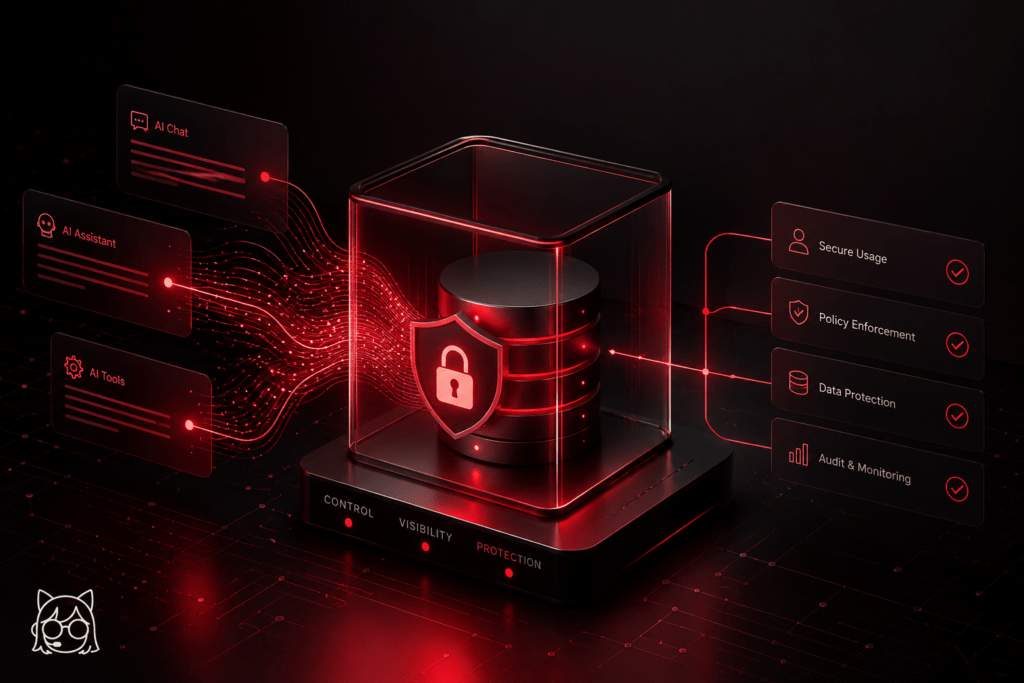
A secure AI gateway starts from an uncomfortable premise: you are not deciding whether your employees use AI. That decision has already been made, by your employees, using the tools available to them. What you are deciding is whether that usage happens visibly and with appropriate controls, or invisibly and without any.
That reframing changes the governance question considerably. It is not “how do we manage AI adoption?” It is “how do we create an environment where AI is used in ways the organisation can see, understand, and stand behind?”
Why the control impulse produces the wrong outcome
The instinct of many security and governance functions, faced with ungoverned AI adoption, is to reach for restriction. Block the known AI endpoints. Prohibit personal account usage on work devices. Build approval processes with enough friction to slow adoption down. The logic feels sound: if we cannot govern it, we should prevent it.
The problem is that this logic does not match how AI adoption actually behaves. The productivity benefits of AI tools are real and immediately obvious. Staff blocked from useful tools on work devices switch to personal devices. Staff whose work email is blocked from AI platforms use personal email instead. Staff who find the approval process too slow adopt tools informally and say nothing – the same pattern covered in what is shadow AI risk.
The net result of heavy restriction is not the absence of AI usage. It is the absence of visible AI usage. The organisation has swapped a governance problem it could address for one it cannot see. Shadow adoption is harder to manage than governed adoption, not easier.
What a secure AI gateway looks like in practice
The alternative is an environment built around controlled enablement rather than restriction – one that makes safe AI usage easy and clearly preferable to workarounds, while keeping genuine visibility and proportionate controls.
The foundation is a clear, current, accessible list of approved tools, with enough information that staff can decide confidently without escalating. Not a spreadsheet buried in a SharePoint site, but something embedded in the tools and workflows staff already use. The list should tell staff what each tool is approved for, what data categories are acceptable, and what restrictions apply, in language a non-technical staff member can act on in the moment.
Alongside that, a secure AI gateway needs a default channel for AI usage that is genuinely good enough for most purposes. If the organisation provides access to capable, enterprise-grade AI tools – such as Anthropic’s Claude Enterprise – under appropriate data handling terms, most staff use those rather than seeking alternatives. Workaround behaviour tends to emerge when the official route does not meet the actual operational need.
For tools not on the approved list, a fast, transparent approval process removes the friction that drives informal adoption. If a staff member can get a new tool assessed in two to three working days, with a clear decision and a clear reason, the incentive to bypass the process drops significantly. Speed and clarity matter as much as rigour here.
Data classification as the practical control
The most operationally useful control behind any secure AI gateway is a clear data classification framework that tells staff what categories of information can go into which types of AI system.
This does not need to be complex. A three or four tier model – public, internal, sensitive, restricted – with clear guidance on which tier each approved AI tool can handle, gives staff a decision rule they can apply in real time. The guidance needs to be specific rather than general: not “do not submit sensitive data to AI tools”, but “tools in the approved consumer tier should not be used with information in the sensitive or restricted categories, including customer personal data, commercial contracts, and financial records”.
This is the same principle behind Mikka, the personal AI platform Black Chili runs internally. Mikka’s first sensitivity gate classifies every request locally, using a small model running on its own hardware, before anything reaches a cloud API. Content that should not leave the building never does. Specificity is what makes the guidance actionable – a staff member who understands exactly what they can and cannot put into a specific tool is in a position to make the right decision, in a way that a vague instruction to “exercise judgement” never quite manages.
Maintaining visibility without surveillance
A concern that comes up regularly in conversations about a secure AI gateway is the tension between organisational visibility and an environment that feels like surveillance. It is a legitimate concern, and worth addressing directly.
The visibility governance requires is not surveillance of individual behaviour. It is an organisational understanding of what tools are in use, what categories of data are reaching them, and whether the controls in place are working. That understanding comes from the approval process, the supplier review programme, periodic staff engagement, and governance monitoring, not from logging individual prompts or watching staff activity in real time.
Organisations that are transparent about their governance approach – explaining what they monitor, why, and how that information is used – tend to find staff respond well. Most people understand that organisations have legitimate governance needs. The issue arises when governance feels opaque or disproportionate, not when it is clearly explained and proportionate to the actual risk.
Black Chili’s AI Governance and Guardrails Design service builds the operational framework that enables safe, visible AI adoption across your organisation.
If you are not sure what AI tools are in use inside your organisation, an AI Exposure Review gives you a clear, independent picture - what is being used, what data it touches, and where the real risks are.